
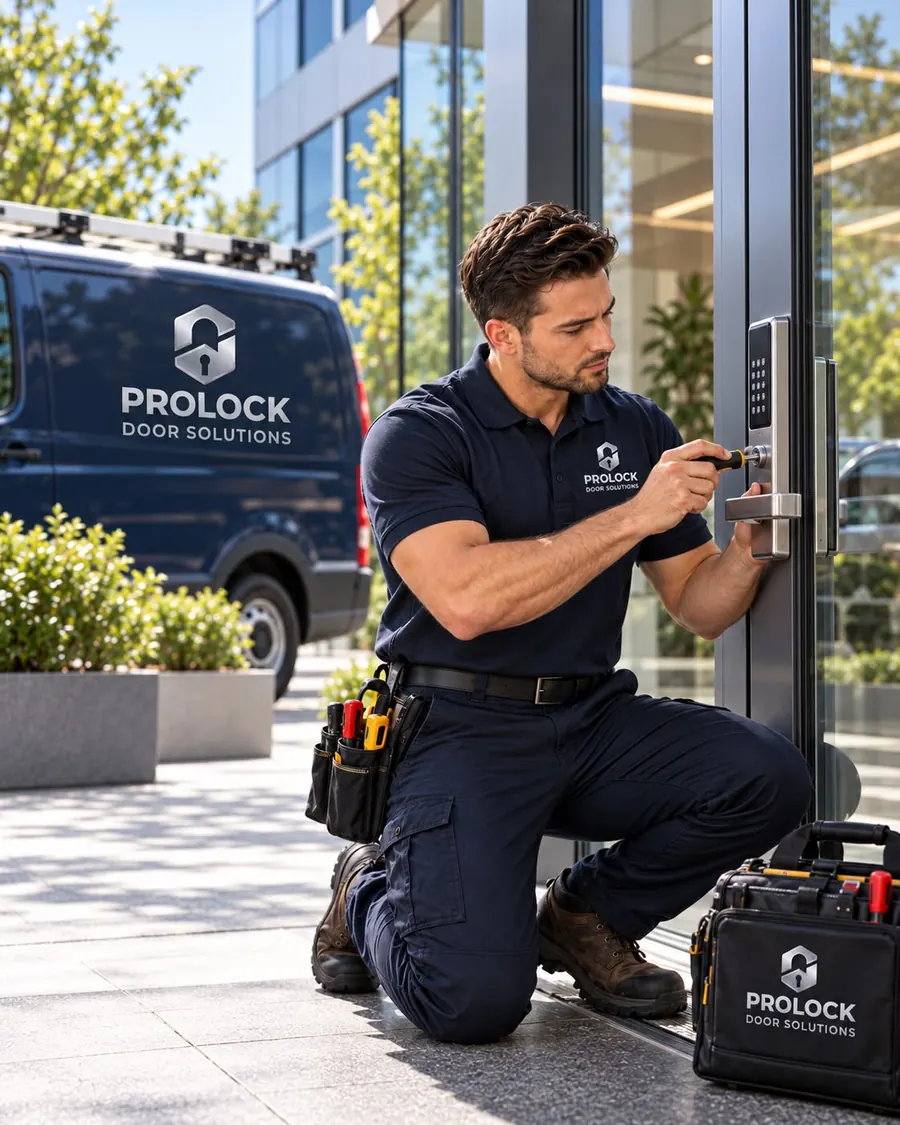
Why businesses move to access control
Keys work until someone leaves. Then you're left wondering whether they made a copy, and the only real fix is rekeying. Access control replaces that problem with codes, cards or fobs that you can add and remove whenever you need to.
- Turn off a former employee's access immediately.
- Give cleaners or vendors access only during certain hours.
- Keep supply rooms, offices and server closets limited to the right people.
- With many systems, see who opened a door and when.
Options, from simple to full systems
| Option | How it works | Good fit for |
|---|---|---|
| Standalone keypad lock | Codes programmed at the lock, battery powered | Small offices, back doors, storage rooms |
| Keypad or reader with electric strike | Reader releases a powered strike in the frame | Main entrances that need to stay on the existing lockset |
| Magnetic lock | An electromagnet holds the door closed until released | Glass doors and double doors |
| Card or fob system | Credentials managed from software, often with audit trails | Multiple doors, larger staff, tenants |
The parts that keep it safe and working
An access-controlled door is more than a keypad. To be safe and reliable, the door also needs:
- Free egress. People must be able to leave without a code, using a lever, push bar or request-to-exit button.
- Request-to-exit sensors. A motion sensor above the door tells the system someone is leaving, so it releases the lock and doesn't trigger an alarm.
- Power transfer. When a lock is in the door itself, an armored power transfer loop carries power across the hinge side.
- A working door closer. If the closer doesn't pull the door shut, the lock can't secure it. See door closer repair.
Troubleshooting an existing system
We also service systems that are already installed and acting up. Common problems include:
- The door unlocks every time someone walks past on the inside.
- Staff set off an alarm just by leaving.
- The reader beeps but the door doesn't release.
- The door releases but won't latch when it closes.
Most of these come down to a misaimed sensor, a strike out of alignment, a weak closer or a worn power transfer, and they can usually be fixed without replacing the system.
Keeping a key backup
Every access-controlled door should still have a mechanical override for power outages and emergencies. We key that override into your master key system or a restricted key, so the backup doesn't become the weak point.
Planning an access control project
A good access control installation starts with a few questions, and answering them before we arrive keeps the project simple:
- Which doors? Most small businesses start with the main entrance and the door staff use most.
- Who needs access, and when? Staff, cleaners, vendors and managers often need different hours.
- Codes, cards or fobs? Codes are simplest. Cards and fobs are easier to revoke and harder to share.
- Do you need records? If you want to see who entered and when, choose a system with an audit trail.
- What happens in a power outage? Decide whether doors should stay locked or release, within what code allows.
We'll recommend the simplest setup that meets those needs. For many offices, that's a standalone keypad lock on one or two doors. For buildings with tenants or several entrances, a managed card or fob system makes more sense.
Common questions
Can you add a keypad to our existing door?
Usually. Depending on the door and frame, we can install a keypad lockset, or keep your current hardware and add an electric strike with a reader.
What happens if the power goes out?
That depends on the hardware. Some locks stay locked and others release. We'll explain how your system behaves and make sure there's a key override.
Do you install access control on glass doors?
Yes. Glass storefront and office doors usually use a magnetic lock or a specialty strike designed for narrow aluminum frames.